WhatsApp for Ecommerce: How to Turn Your Catalog Into a Sales Channel
See how to set up a WhatsApp catalog, connect it to Shopify, and automate order questions for your online store. A practical guide to WhatsApp for ecommerce.

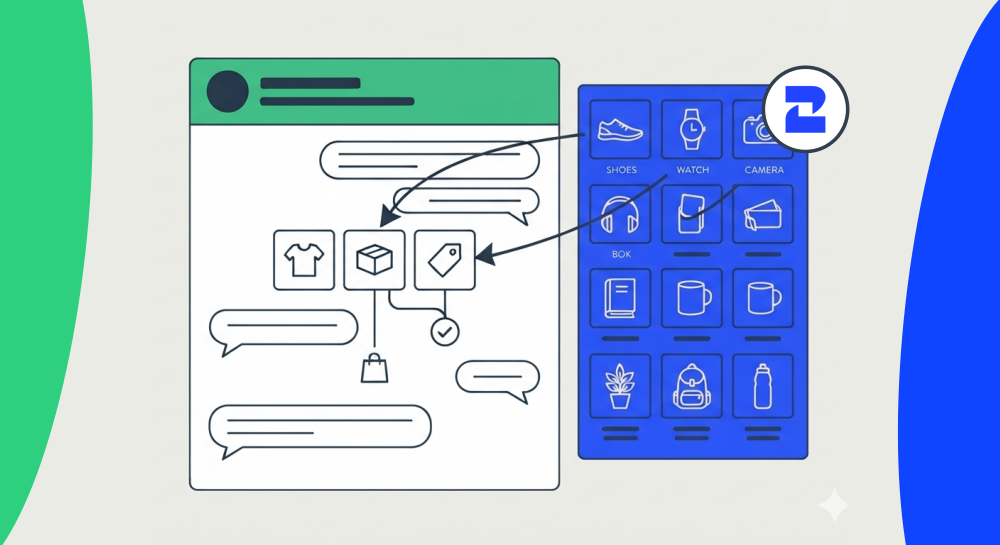
If your online store already answers customer questions on WhatsApp, you're halfway to using it as a sales channel. The other half is a catalog people can actually browse, and a way to handle the questions that come with it (is this in stock, does it come in blue, when does it ship) without someone retyping the same answer forty times a day. Here's how WhatsApp for ecommerce actually works, step by step.
Why a WhatsApp Catalog Beats Sending Photos One by One
A lot of small stores start selling on WhatsApp by texting product photos whenever someone asks. It works until you have more than a handful of products, and then it falls apart: nobody remembers which photo has which price, and a customer who asks "what else do you have" gets a slow, incomplete answer.
A WhatsApp Business catalog fixes that. Customers browse it inside the chat itself, no separate app, no link to a different website, and can tap straight into a conversation about a specific item. If you already have a catalog live in WhatsApp and need it somewhere else, 2Chat's catalog exporter pulls the products out as a CSV file you can open in Excel, here's the exact steps, so you're not maintaining product data in two places by hand.
Setting Up Your WhatsApp Business Catalog
The setup itself takes an afternoon, not a developer sprint:
- Connect your WhatsApp Business number to 2Chat. Managing a catalog doesn't require WhatsApp Business API, your regular WhatsApp Business number works. WABA becomes worth setting up once you need approved templates or multi-agent access at real volume, and 2Chat's WhatsApp Business API, built on Meta's official WhatsApp Business Platform, covers that when you're ready.
- Add your products. You can add them one by one from the app, or if you already have a product list, 2Chat's bulk catalog importer uploads it in one batch, with clear photos, prices, and short descriptions. Skip the temptation to write a paragraph per item, most customers are scanning on a phone screen.
- Organize by category if you sell more than 15-20 items, so a customer looking for "shoes" isn't scrolling past kitchenware.
- Add a way in. A WhatsApp chat button on your website is the fastest path, someone browsing your site clicks it and lands straight in a chat with your catalog one message away.
Connecting Your Catalog to Shopify
If Shopify is where your real inventory lives, keeping WhatsApp in sync by hand isn't sustainable past a few dozen SKUs. This step-by-step guide on moving a WhatsApp catalog to Shopify walks through the automation, so a price change or a new product shows up in both places without someone copying it over manually.
Automating the Questions Every Store Gets
Stock, sizing, shipping time, return policy: the same five or six questions, over and over, from different customers. An AI agent connected through 2Chat's MCP server can answer these directly from your catalog and store policies, and hand off to a person only when a question needs judgment a script can't make. We cover the broader pattern, including where a human should stay in the loop, in our guide to WhatsApp AI agents for sales and support.
If you'd rather design these flows yourself before handing anything to an agent, 2Chat's conversational commerce builder lets you map out the catalog-to-checkout conversation visually, no code required.
Recovering the Carts That Went Quiet
Someone asks about a product, gets an answer, and then goes quiet. That's not necessarily a lost sale, it's often just someone who got interrupted. A follow-up that references the actual item they asked about (not a generic "still interested?") recovers a meaningful share of these, especially when it goes out same-day rather than a week later.
This is where WhatsApp actually has an edge over email cart-recovery flows: open rates on WhatsApp are high enough that a well-timed, specific message gets read, where a fourth "you left something in your cart" email usually gets ignored or filtered. Outside Meta's 24-hour window for free-form replies, though, that follow-up needs to go through an approved WhatsApp Business API template instead of a regular message, so it's worth having two or three cart-recovery templates pre-approved and ready rather than writing one from scratch after the window has already closed.
Keeping Order Updates and Confirmations Reliable
Once someone actually orders, a fast confirmation matters almost as much as the order itself. Before sending automated shipping or order updates in bulk, it's worth checking that the number is actually active on WhatsApp, a small step that avoids wasted sends and message failures. And if your team also tracks these conversations in a CRM, 2Chat's HubSpot integration keeps the WhatsApp thread attached to the same contact record as everything else.
What to Automate First, and What to Leave to a Person
Not every part of this needs an AI agent on day one. Answering "is this in stock" from your catalog data is safe to automate immediately, it's a lookup, not a judgment call. Recommending a substitute when something's out of stock, or deciding how much of a discount to offer someone who's hesitating, is worth keeping with a person for longer, at least until you've seen enough real conversations to trust the pattern. The stores that get the most out of this treat it as a rollout, not a switch: automate the repetitive lookups first, watch what the agent drafts for the judgment calls, and only let it send those once your team has reviewed enough of them to trust the tone and the accuracy.
Getting Started With WhatsApp for Ecommerce
You don't need to rebuild your store to try this. Start with the catalog and the chat button on your site, those two alone turn "message us" into an actual browsing experience. Layer in automation for repeat questions once you can see what people are actually asking.
Set up your WhatsApp Business catalog with 2Chat and test it with real customer messages before deciding whether to automate anything further. 2Chat offers a free trial, so there's no commitment needed to see whether this fits how your store actually sells.
FAQ
- Do I need WhatsApp Business API to manage a WhatsApp catalog?
No. Managing a catalog works with a regular WhatsApp Business number connected to 2Chat. WhatsApp Business API becomes worth it once you need approved templates or multi-agent access at higher volume. - Can I connect my existing Shopify catalog instead of rebuilding it in WhatsApp?
Yes. You can automate the transfer so your Shopify product data populates your WhatsApp catalog without manual re-entry, and keep both in sync as products change. - What happens if a customer asks about a product after the 24-hour window closes?
Meta only allows free-form replies within 24 hours of the customer's last message. After that, any follow-up, including a cart recovery message, needs to go through an approved WhatsApp Business API template. - Is a WhatsApp catalog only useful for physical products?
No, though it's most common there. Services with fixed packages (a haircut, a consultation slot, a subscription tier) work the same way: a customer taps an item and starts a conversation about it instead of asking "what do you offer" from scratch. - Do I need a developer to set any of this up?
No. The catalog, the chat button, and the Shopify connection are all setup steps a store owner can do directly. Connecting an AI agent for automated responses uses a plugin rather than custom code.