Insurance chatbot on WhatsApp, calls and SMS: 6 complete use cases
Insurance chatbot use cases on WhatsApp, calls and SMS: claims, quotes, renewals, call routing and AI. See each flow. Try 2Chat free for 7 days.

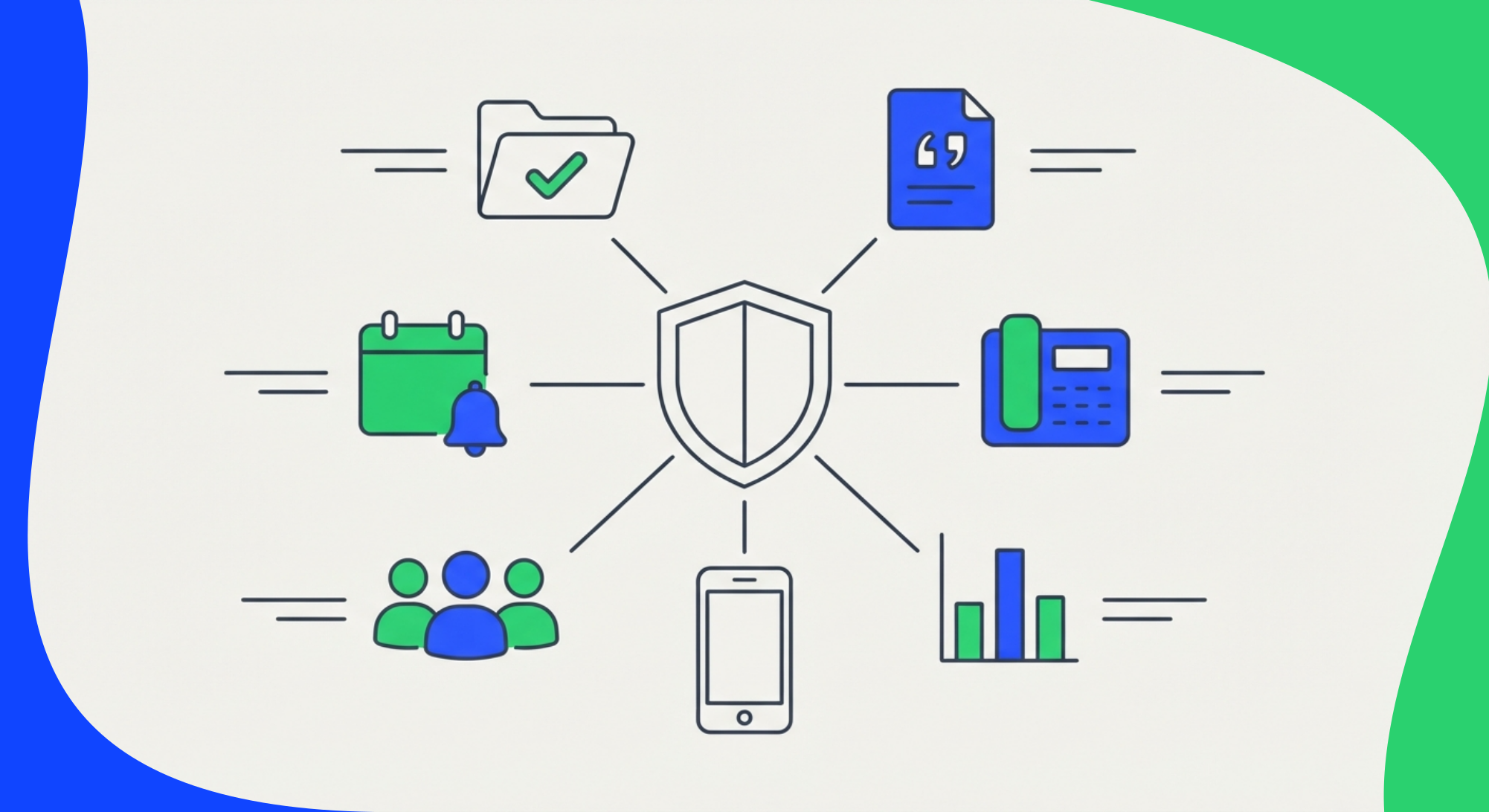
An insurance company can use 2Chat as an insurance chatbot and phone system: it takes claim reports, answers quote requests at any hour, sends renewal reminders, routes phone calls, gives every team the right conversations, and lets an AI assistant answer questions about them. This guide goes through six use cases, from the problem to the flow, with the features each one uses and the limits you should know before you build.
What is an insurance chatbot?
An insurance chatbot is an automated conversation that handles routine requests for an insurer or agency, such as reporting a claim, asking for a quote or checking a renewal date. Most of what 2Chat does here is rule-based: Flows follow menus, questions and conditions that you design, and hand the conversation to a person when it needs one. AI comes in at two points: a voice agent for phone calls through ElevenLabs, and Claude or ChatGPT connected to your account through MCP. If you want a chatbot that answers free-form questions with AI on WhatsApp, see these guides on AI chatbots with Zapier and turning your knowledge into a WhatsApp chatbot with n8n.
The six use cases at a glance
1. Claims: take the first report on WhatsApp
The problem. A claim starts with a call to whoever picks up. They ask for the policy number, what happened and where, then wait for photos that arrive later on a personal phone. Someone retypes everything into the claims system.
The flow. A policyholder writes to your claims number. A 2Chat Flow shows a menu, asks for the policy number and a description, checks that a photo arrived, sends the data to your claims system with an HTTP Request and replies with the claim number. Outside your hours, the same flow answers and tells the person when the team will respond.
Limits. A flow does not assign the conversation to an adjuster; assignment is manual in the inbox. Receiving PDFs and locations in a flow is not documented, so ask for those in the chat.
We build this one step by step, component by component, in a separate guide to first notice of loss on WhatsApp.
2. Quotes: answer every request, including at 11 p.m.
The problem. A prospect asks for a quote on a Saturday night. Nobody answers until Monday, and by then they have asked three competitors.
The flow. The "Message received" trigger starts a flow. A Text Menu asks for the product: auto, home, life or health. "Message and Wait for Reply" collects name and basic details in custom fields. A Condition on message time checks whether the request arrived inside or outside your hours. Inside, the conversation goes to the shared inbox for an advisor. Outside, the flow confirms receipt and says when someone will follow up. An HTTP Request can send the data to your quoting tool, and the native CRM connectors (Salesforce, HubSpot, Zoho and Pipedrive) log the chat and the call history on the contact. The CRM integration guide covers that side, and the after-hours lead capture post shows a similar pattern.
Limits. The flow collects data and routes it. The price comes from your own system, not from 2Chat. The advisor takes over by assigning the conversation in the inbox.
3. Renewals and payments: remind clients without chasing them
The problem. Someone exports a list every month and sends reminders one by one, or nobody does.
Two ways to do it.
- A campaign for a list. In Campaigns, download the Excel template and fill in
id,first_name,last_nameandphone_numberwith the international prefix. Choose the time zone, the sending speed and the days, write the message with the client's name as a variable and attach an image or file. You can pause or stop the campaign while it runs and download a CSV report afterwards. A campaign takes up to 5,000 numbers, and you can run as many campaigns as you need. See the campaign guide and the bulk messaging page. - A message per event. The "Webhook Invoked" trigger gives a flow a public URL. When your policy system sees a policy about to expire, it sends an HTTP POST with the phone number (
to_number) and variables such as name and date, and the flow sends the message. The webhook guide has the exact body.
The reply can feed a short menu: "1 to renew, 2 to talk to an advisor."
Limits. Messages your company starts outside WhatsApp's 24-hour window need an approved template, so you need the WhatsApp Business API for this use case. The cost breakdown shows what that means for your volume.
4. Calls: menu, routing and a voice agent
The problem. The phone line is the bottleneck. Callers wait, hang up and call again, and missed calls go unanswered.
The setup. On a 2Chat virtual number, open Inbound Call Handling and create a call flow. By default the number rings all agents. From there you can add:
- A Phone Menu with a recorded greeting and options by key. Key 1 can ring the claims team, and other keys or no input can go to voicemail.
- A text for missed calls. In "Ring agents", set "When no one answered" to send a WhatsApp message to the caller, for example with a link to start a claim in chat. Flows also have a "Call missed" trigger, and it covers regular phone calls and WhatsApp calls.
- A voice agent. The "Send to Eleven Labs" step in a call flow routes calls to an ElevenLabs agent that you configure there. In the help center's example, pressing 1 in the menu sends the call to the agent, and the recording is available in 2Chat afterwards. The guide lists the steps, and an ElevenLabs agent can also place outbound calls through 2Chat if you have call credits.
Limits. The voice agent needs its own ElevenLabs account and setup. Start with the menu and the missed-call text before adding AI to your phone line. The phone system page lists the rest.
5. Your team: one number, clear roles, a record of everything
The problem. Conversations sit on personal phones. When someone leaves, the history goes with them, and nobody can prove what a client was told.
The setup.
- Several advisors answer from one number in a shared inbox, and conversations can be assigned to a user or a team.
- There are three roles: Super administrator, Administrator and Operator. Operators see only the channels you grant them, which suits claims, sales and support teams who should not see each other's chats. The roles guide has the matrix.
- Calls can be recorded automatically or manually, with secure storage. Check local consent rules first.
- WhatsApp audio and calls can be turned into searchable text.
- Individual WhatsApp chats can sync with Slack.
6. Management: ask an AI assistant about your conversations
The problem. A manager wants to know which conversations are waiting for a reply or what clients ask most. Today that means opening chats one by one.
The setup. 2Chat has an MCP server that connects your account to Claude or ChatGPT. In Claude, you add it as a custom connector (Settings, Connectors) with the 2Chat server URL and allow access. See the guide for Claude. 2Chat customers use it to ask an assistant what happened in their chats and groups.
Limits. The help center does not list what the assistant can and cannot do with your data, or whether it can send messages. Start with read-only questions and decide with your team which accounts get access.
Where SMS fits
An SMS channel is created when you buy a virtual number with SMS capability, and SMS capability cannot be added to a number later. Some numbers only receive SMS, and the purchase screen has a compliance tab for local regulations. Use SMS for clients without WhatsApp. See the SMS channel guide before you buy a number.
Before you build
- Pick one use case and one line first. Claims or renewals usually show results fastest.
- Keep a person in the loop. Flows do not assign conversations, so decide who watches the inbox.
- Ask your compliance team what claims, policy and payment data you can request over chat. 2Chat is GDPR compliant and a certified Meta Tech Provider, but the rules are yours to confirm.
- Test each flow with your own systems before clients see it.
You can see the insurance page or try 2Chat free for 7 days, no card required.
FAQ
- Can an insurance company use WhatsApp for claims and quotes?Yes. A flow can take a claim report or a quote request, collect the data and send it to your own systems through an HTTP Request or a CRM connector. A person still takes over from the shared inbox.
- Do I need the WhatsApp Business API?
You can start with your current number. You need the API for approved templates, which any message your company starts outside the 24-hour window requires, and for larger volumes. Coexistence lets you keep the WhatsApp Business app. - Can an AI answer my phone calls?
You can route calls to an ElevenLabs voice agent from a call flow. The agent is set up in ElevenLabs, and the recording is available in 2Chat afterwards. - Does it work with my CRM?
There are native connectors for Salesforce, HubSpot, Zoho and Pipedrive. Other tools connect through Zapier, Make, n8n or the HTTP Request component. - Is it compliant for insurance data?
Rules vary by country and by line of business. Your compliance team should confirm what you can request and store over chat, call recording and SMS.