Restaurant phone system: how to stop missing calls and WhatsApp messages at peak hours
Set up a restaurant phone system that routes calls, messages missed callers on WhatsApp and keeps chats in one inbox. Try 2Chat free for 7 days

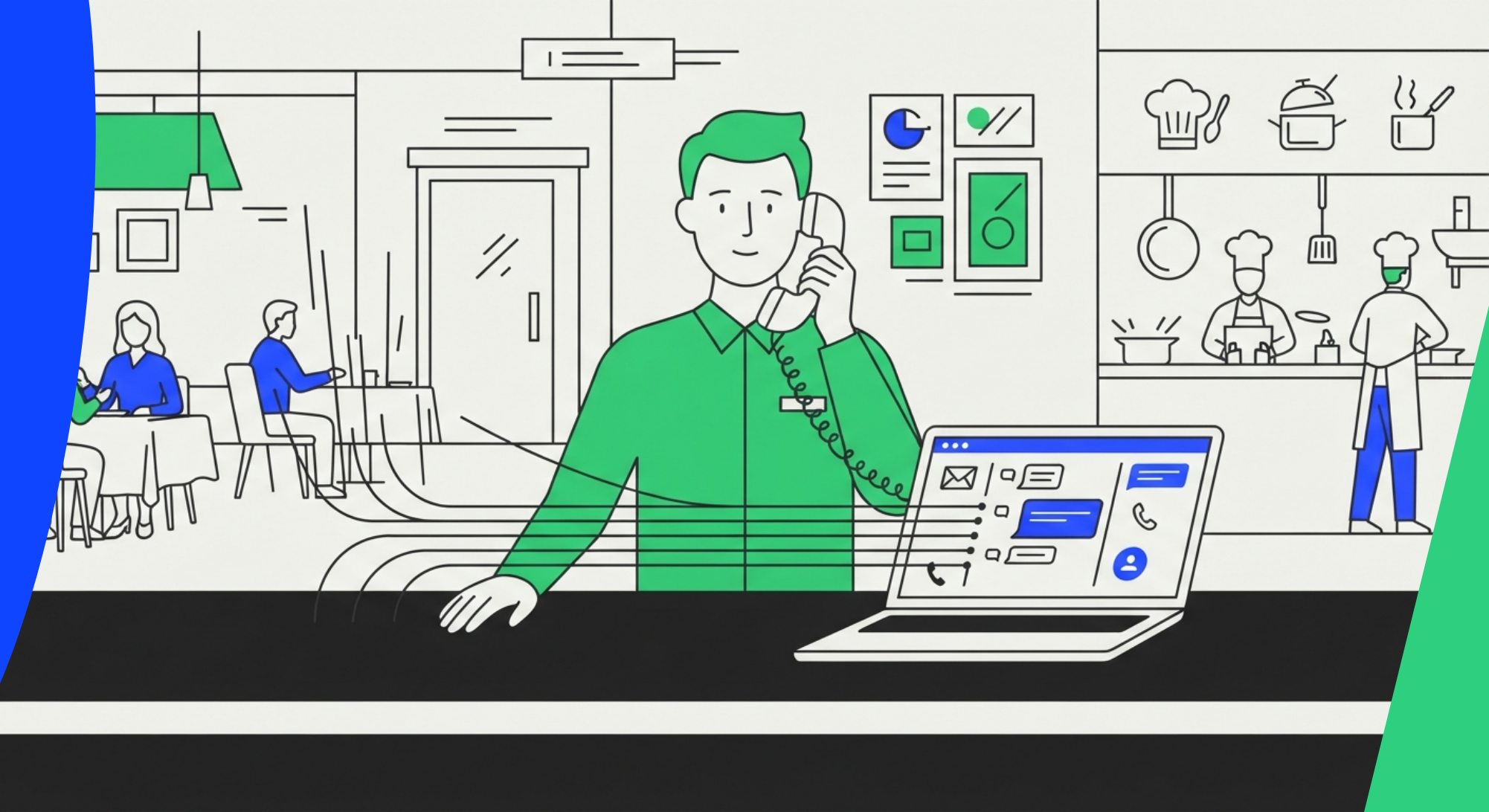
It's Friday at 8 pm, every table is full, and the phone rings while your host is seating a party of six. A good restaurant phone system handles that moment for you. It routes each call to the right person, messages anyone you couldn't answer, and keeps every conversation in one inbox your team shares.
You can build all of that in 2Chat for restaurants without writing code. Below are the seven jobs a restaurant has at rush hour, with the steps for each. Start with the one that hurts most.
1. The phone rings mid-service: send callers to the right place
The kitchen is full and the phone keeps ringing. Half the callers want a table, and the other half want to order.
With 2Chat call flows, also called IVR, a phone menu lets callers press a key to reach the right team. It works as a restaurant phone answering system for the hours when nobody can leave the floor.
You build the call flow on the number itself, not in workflows. You need a 2Chat virtual number, or a WhatsApp Business API number with WhatsApp calls turned on. The guide on how to create an IVR or call flow shows where to start, and how to configure a phone menu covers the menu. A simple setup:
- Open your virtual number's settings and click "Inbound Call Handling". On a WhatsApp Business API number, turn on WhatsApp calls and open the channel's "Calls" tab instead.
- Click "Create new call flow" to open the flow builder.
- Add actions with the plus button: a short recorded or uploaded greeting with the options, then a menu with press 1 for reservations, press 2 for orders and press 3 for anything else.
- Point each option to a destination: ring your team in 2Chat, forward to an external mobile or landline, or leave a voicemail.
- Set a fallback for each path, in case nobody picks up or the caller presses nothing.
- Save the flow. The number starts answering calls with it.
If a caller presses an invalid option, they hear an error message and the greeting repeats. Changes apply to the next call. Without a call flow, the number rings every agent in the account.
A pizza place taking most of its orders by phone can use the same menu as a basic restaurant phone ordering system: one key sends order calls straight to the person taking them.
2. Nobody answers: missed call text back on WhatsApp
You can't pick up every call during service, so plan for what happens next. A caller who gets nothing back may dial the next restaurant. Missed call text back solves this, and in 2Chat the message goes out on WhatsApp.
You set it up in the same call flow as section 1, on your number's "Inbound Call Handling" page:
- The flow starts with the "Call arrived" step for your number.
- After the menu option, or right after the call arrives, add a "Ring agents" step. It has two exits: "When someone answered" and "When no one answered".
- From "When no one answered", add a WhatsApp message to the "Caller". Illustrative example: "Hi, we missed your call. Do you want to book a table or place an order?"
- Save the flow.
When the guest replies, the chat lands in your shared inbox, and a workflow can take it from there, as in section 3.
If you were looking at a restaurant answering service to catch these calls, try this first. It won't hold a conversation on the phone, but it gives the caller a quick way to book or order.
3. A reservation arrives on WhatsApp: collect the details, then let your team confirm
Guests already write to restaurants on WhatsApp. The slow part is the back-and-forth: how many people, what day, what time, what name.
With WhatsApp automation, a flow asks those questions and a person decides:
- Start a flow with the "Message received" trigger.
- Use "Message and wait for reply" steps to ask for date, time, party size and name. Each answer is saved to a custom field.
- Close with a message that says the team will confirm shortly.
- Your staff opens the conversation in the shared inbox, sees the answers and the full history, and replies.
Several agents can work the same number from the inbox, with assignment rules and internal notes. Two people no longer answer the same guest, and nobody has to hunt through a personal phone.
2Chat handles this as a conversation. It does not manage tables or check availability, so your team still confirms against your own booking book or sheet.
4. Before the guest arrives: schedule a reminder
Once a reservation is confirmed, a short message the day before keeps the conversation going and gives the guest an easy way to reply if plans change.
With message scheduling, you write the message in the Live Chat, click the arrow next to the send button and choose a day, time and timezone. 2Chat sends it even when nobody is online. You can also set it to repeat. Our guide on how to schedule WhatsApp messages goes deeper.
One rule to know. On numbers connected to the WhatsApp Business API, free-form messages only go out while the 24-hour customer service window is open. For a reminder scheduled for later, pick an approved template instead. Numbers connected by QR code can send free-form messages at any time.
Illustrative example: "Hi Sam, we are looking forward to seeing you tomorrow at 8 pm. Reply here if you need to change anything."
Pending reminders appear in the contact panel, where you can send now or cancel.
5. A delivery order comes in: collect it in the chat, hand off to a person
Orders by phone are slow because someone has to write everything down while the line is full. In WhatsApp, a form can do the asking.
2Chat forms run inside the conversation. They ask for names, addresses or order details, and the answers arrive structured, ready for your flow, your CRM or your API.
- In a flow, ask what the guest wants and where to send it.
- Add a form for the name, address and order details.
- When automation reaches its limit, route the chat to the shared inbox. Your team picks it up with full context, so the customer never repeats themselves.
2Chat does not take payments or track deliveries. The order stays a conversation your team confirms and prepares.
Not ready to build a flow yet? The free WhatsApp form builder lets you start with a simple order or booking form, no 2Chat account needed. Enter your email, sign in with the code you receive, build the form and share it with your guests. When someone submits it, the details reach your WhatsApp from the guest's number.
6. A slow Tuesday: send a promo to your regulars
Peak hours go better when the quiet nights fill up, and a campaign to your regulars is one way to do it. WhatsApp bulk messaging does the job of restaurant SMS marketing on the app your guests already use for chat:
- Build a list of contacts who agreed to hear from you. Send only to them.
- Create a campaign with a short message, a variable such as the first name, and an image if you like.
- Set the sending speed and the days and hours it may go out. Speed control is there to help prevent bans on your number.
You can start with your existing WhatsApp or WhatsApp Business number. For more detail, read how to send bulk WhatsApp Business messages and how to use bulk messaging properly.
7. Several locations: one inbox, a number for each
With two or three locations, the usual mess starts. Each site has its own phone and its own WhatsApp, and nobody sees the whole picture.
In 2Chat, messages from every connected number land in one Live Chat, so your team replies from a single place. In call flows, a menu option can send callers to a different team or number, for example one per location.
- Connect one number per location.
- In each number's "Inbound Call Handling", open its call flow, add a menu option per location and point it to that site's team or number.
- Let agents work from the shared inbox.
Each location has its own number, and your team sees every conversation in one inbox.
Put it together
The seven jobs chain together. A call comes in and the menu routes it. If nobody picks up, the call flow sends the caller a WhatsApp message. The conversation collects the reservation or order, your team confirms it from the shared inbox, and a scheduled message follows up.
You can have it ready before the next Friday rush. Start with section 2, since it needs the least setup and wins back calls you lose today.
Frequently asked questions
- What is a restaurant phone system?
It is the setup that decides how your restaurant receives calls and messages: who rings, what callers hear, what happens when nobody answers. With 2Chat it covers voice, WhatsApp and SMS from one dashboard. - What is the best phone system for restaurants?
The best phone system for restaurants depends on how guests reach you. Look for call routing, a plan for missed calls and one place to see every conversation. Compare restaurant phone systems on those jobs first. - Is VoIP good for restaurants?
VoIP for restaurants means calls run over the internet instead of a landline. For calls in 2Chat you need a 2Chat virtual number, available in 90+ countries, or a WhatsApp Business API number with calling on. - What happens when I miss a call during service?
With the "When no one answered" exit in your call flow, 2Chat sends the caller a WhatsApp message with the options you set, such as booking or ordering. For restaurant text messaging by SMS, use an SMS-enabled 2Chat virtual number. A2P messaging to US numbers is not supported, so for US guests WhatsApp is the route. - Does 2Chat manage tables or take payments?
No. Reservations and orders are conversations that your team handles in the inbox and the flows. There is no table management, cart or payment step. - Can I try it before paying?
Yes. There is a free 7-day trial, no card required.
Try it on your next service
Open a free trial, connect your number and build the missed call message from section 2. Try 2Chat free for 7 days, no card required.