Turn Website Visitors Into WhatsApp Conversations With a Button
Create a WhatsApp button generator link in seconds, drop it on your site, and start chatting with visitors instantly. No code needed.

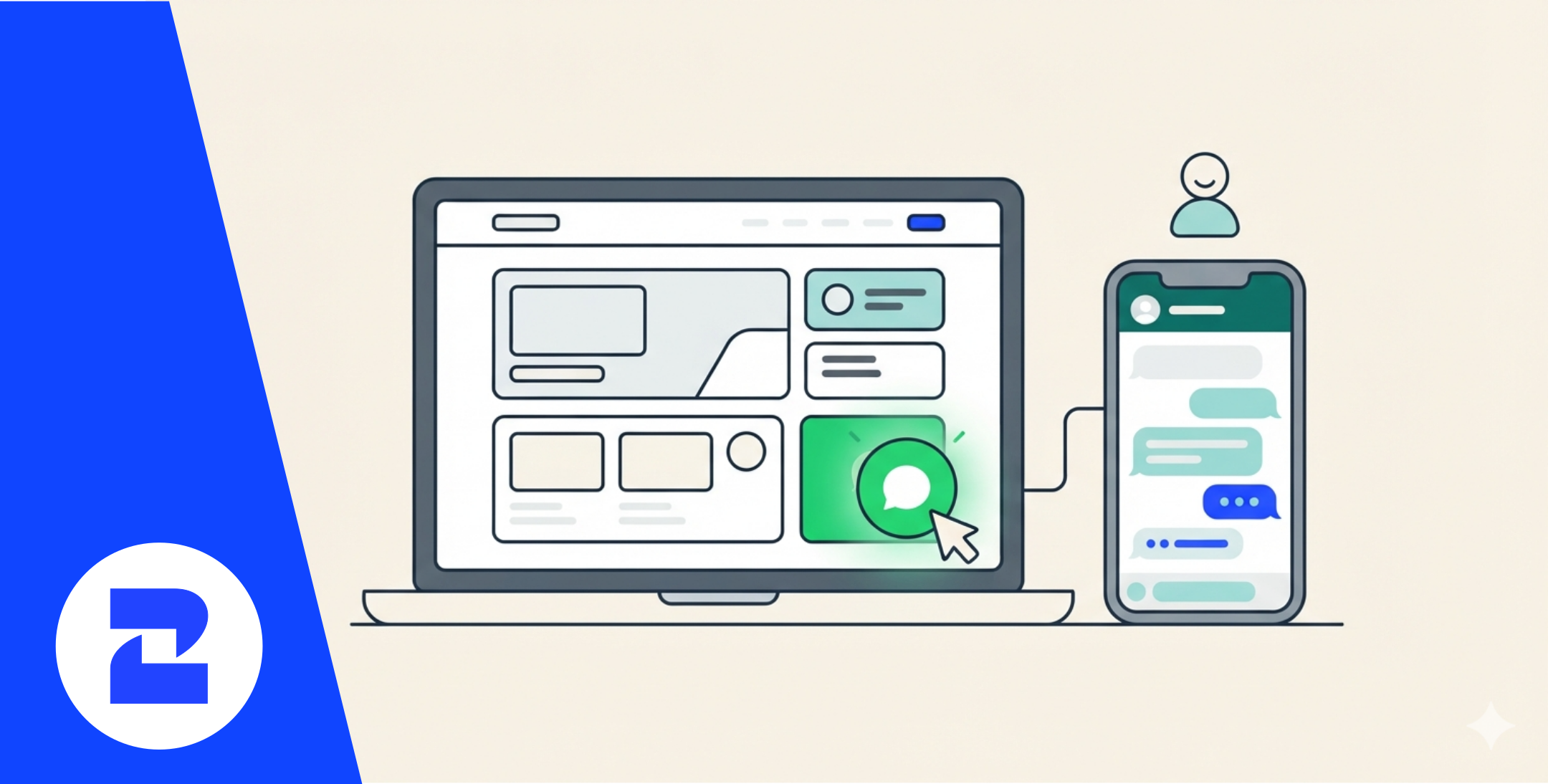
You've got people landing on your site right now who'd rather text a question than fill out a contact form. Most of them just leave instead, because there's no fast way to reach you.
A WhatsApp button generator fixes that in about two minutes. You paste in your business number, pick a style, and get a piece of code (or a plain link) that opens a chat window the moment someone clicks it.
No developer, no app to install, no monthly fee to start. This post walks through exactly how it works, how it's different from a basic WhatsApp link generator, and what to do once the messages start coming in — because that's usually where things get messy.
What a WhatsApp Button Generator Actually Creates
When you use a whatsapp button generator, you're not building anything from scratch. You're generating a pre-filled wa.me link wrapped in a clickable button, styled to match your site.
Click it on desktop, and it opens WhatsApp Web. Click it on mobile, and it opens the WhatsApp app directly, with your number and (optionally) a pre-written message already loaded in the chat box.
That's the entire mechanism. The "generator" part just saves you from writing the URL and embed code by hand.
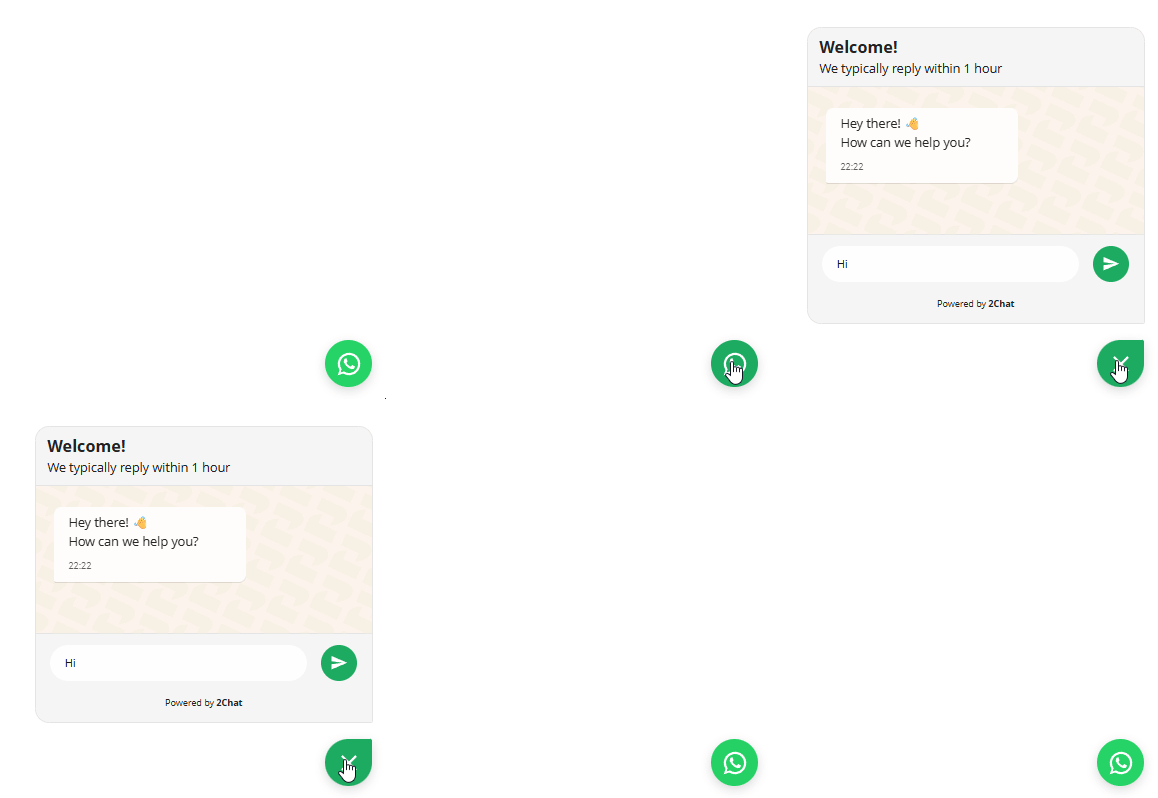
How to Create Your WhatsApp Click-to-Chat Button in 3 Steps
- Enter your business number in international format (country code, no spaces or dashes) into the WhatsApp button generator.
- Write a pre-filled message, something like "Hi! I saw your website and wanted to ask about..." — this saves visitors from typing a cold opener.
- Copy the embed code and paste it into your site's HTML, or grab the plain link to use in an email signature, Instagram bio, or ad.
That's it. No account required for the basic version, and it works on any website builder that lets you paste custom HTML.
WhatsApp Button Generator vs. WhatsApp Link Generator: What's the Difference
People often search for both terms expecting different tools, but they're closer than you'd think.
If you only need something to drop into your Instagram bio, a link generator does the job. If you're adding it to a website where design matters, the button version looks intentional instead of bolted on.
Where to Place Your Click-to-Chat Button for the Best Results
Placement changes click-through rates more than the button's color ever will. A few spots worth testing:
- Bottom-right corner, floating, visible on every page (the standard, and it works for a reason)
- Product pages, right next to the price or "Add to Cart" button
- Checkout page, for last-minute questions before someone abandons the cart
- Contact page, replacing or sitting beside your contact form
Avoid stacking it with a live chat widget in the same corner — pick one primary channel so visitors aren't choosing between two chat bubbles.
What Happens After Someone Clicks: Don't Leave Them on Read
Here's the part most guides skip. The button gets you the click, but if nobody answers for six hours, you've lost the lead anyway.
You can automate replies to your click-to-chat conversations so the first message gets an instant response — confirming you got it, setting expectations, or routing the question to the right person on your team. That's the difference between a button that generates chats and one that generates actual conversations.
When a Free Button Isn't Enough Anymore
The free button works fine for low volume. Once you're getting dozens of chats a day, juggling them from one phone gets painful fast — messages get missed, nobody knows who replied to what.
At that point, it's worth looking at 2Chat's plans to add multiple agents, saved replies, and automation on top of the same WhatsApp number your button already points to. You don't have to rebuild anything; the button keeps working exactly the same.
Common Mistakes to Avoid
- Using a personal number instead of a dedicated business line — mixing personal and business chats gets confusing fast.
- Skipping the pre-filled message — visitors abandon the chat window if they have to think of what to type.
- Forgetting to test on mobile — some site builders block pop-ups that break the click-to-chat redirect.
- No one monitoring the inbox — a button with no response behind it hurts trust more than having no button at all.
None of this requires a developer or a redesign. Generate your WhatsApp click-to-chat button, place it where your visitors already are, and decide from there whether you need automation behind it or a plain inbox is enough for now.
FAQ:
- Is a WhatsApp button generator free to use? Yes, generating the button itself is free — you're just creating a formatted link and embed code. Costs only come in if you later add automation, multiple agents, or a business API connection on top of it.
- Do I need the WhatsApp Business API to use a click-to-chat button?No. A click-to-chat button works with a regular WhatsApp or WhatsApp Business app number. The API is only needed for things like automated flows at scale or multi-agent inboxes.
- Can I customize the pre-filled message in the button? Yes, most generators let you set custom text that loads into the chat box when someone clicks. Keep it short and specific to the page it's on for better response rates.
- Will the button work if someone doesn't have WhatsApp installed?On desktop it opens WhatsApp Web, so no install is needed there. On mobile, if the app isn't installed, most links prompt the visitor to download it first.