One WhatsApp App, Multiple Numbers, Zero Phone Juggling
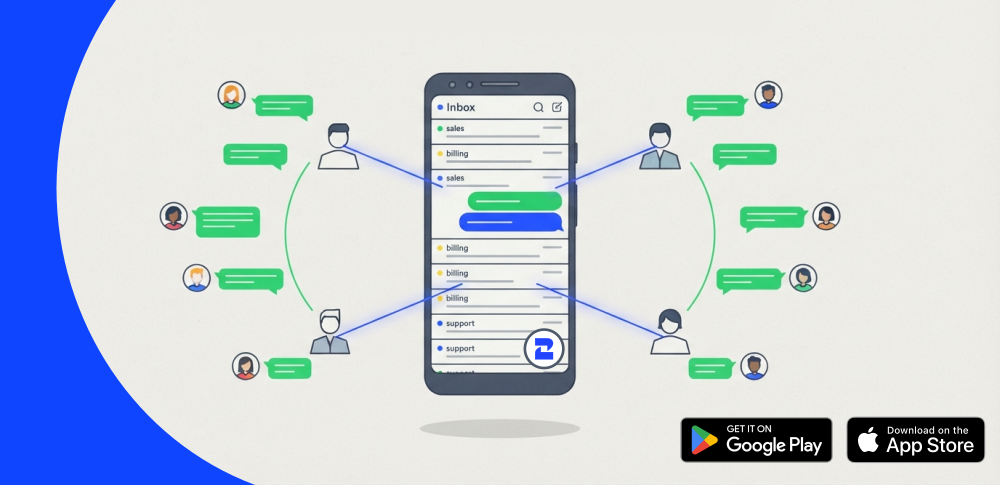
A WhatsApp app multiple numbers and multiple agents can share: sales and support teams answer the same lines at the same time, on iOS and Android.

Most growing teams have the same tangle. A phone for sales. A second one for support. A personal number that slipped onto an invoice two years ago and never came off. And a spreadsheet meant to keep order, quietly untouched since March.
The cost of that tangle shows up at the worst moment. A customer replies at 8 p.m., ready to move — and the one person who can see that message is off the clock, phone in a drawer. The conversation stalls overnight. Some of those buyers don't wait.
We built the 2Chat mobile app for precisely that gap. It's available now on Google Play and the App Store, and it's designed for sales and customer service teams handling real volume — not the solo owner running a single line.
It does two things the standard WhatsApp Business app can't. It runs several business numbers from one install. And it lets your entire team work those numbers together, on the same conversations, in real time, without anyone getting logged out.
What follows: what the app does, how it manages several agents on a single line, what happens when a campaign brings 100 replies in at once, how to set it up, and where it simply isn't the right fit.
Why a WhatsApp app for multiple numbers changes the math
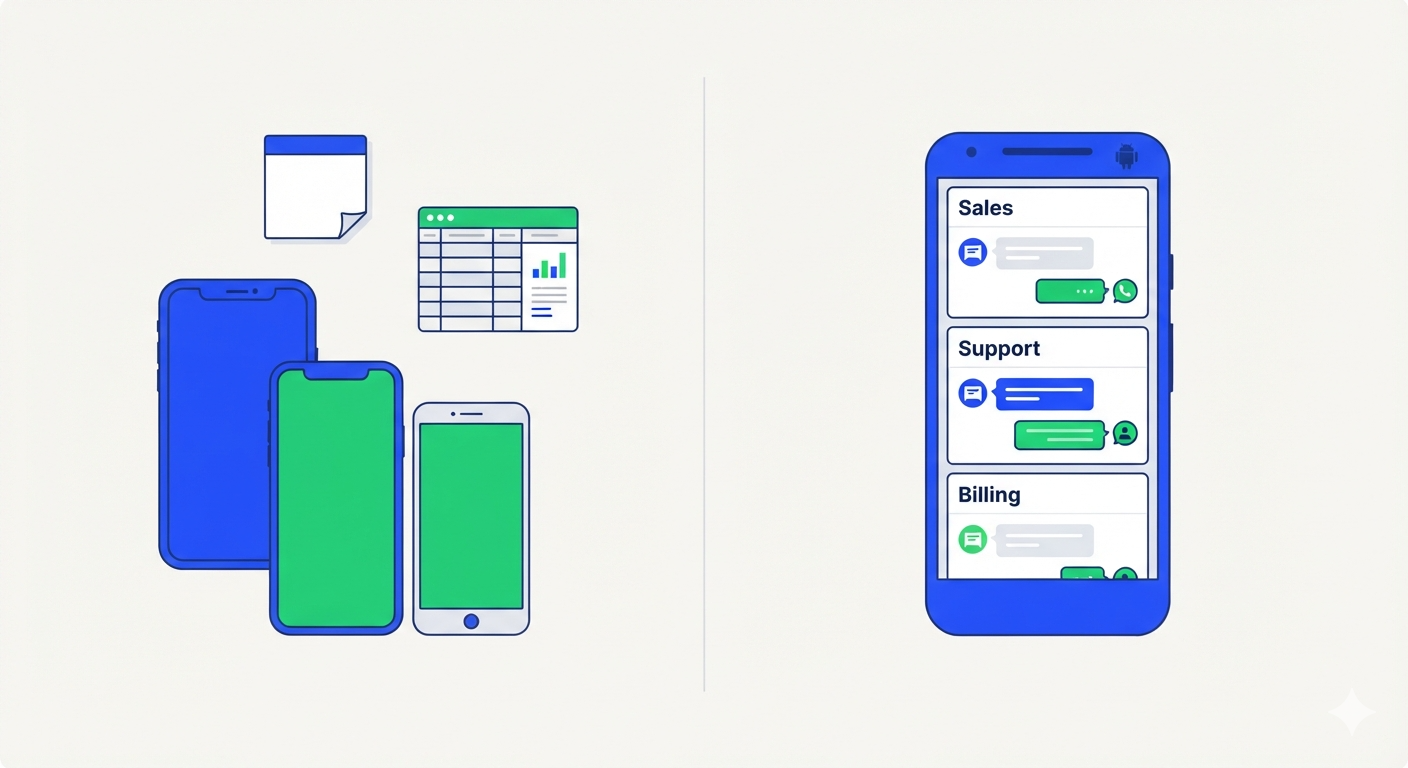
The official WhatsApp Business app is built around one number and one person holding one phone. That works until you hire a second agent.
After that, every workaround has a cost. Second phone, second SIM, screenshots pasted into a group chat, a shared login that logs someone out every time another person opens it. Conversations get answered twice or not at all.
A WhatsApp app for multiple numbers flips the model. The number belongs to the business, the inbox belongs to the team, and the device is just a window into it. Anyone with access sees the same thread, the same history, the same customer.
That's the whole idea behind WhatsApp for business done properly — and it's why the WhatsApp Business API exists in the first place.
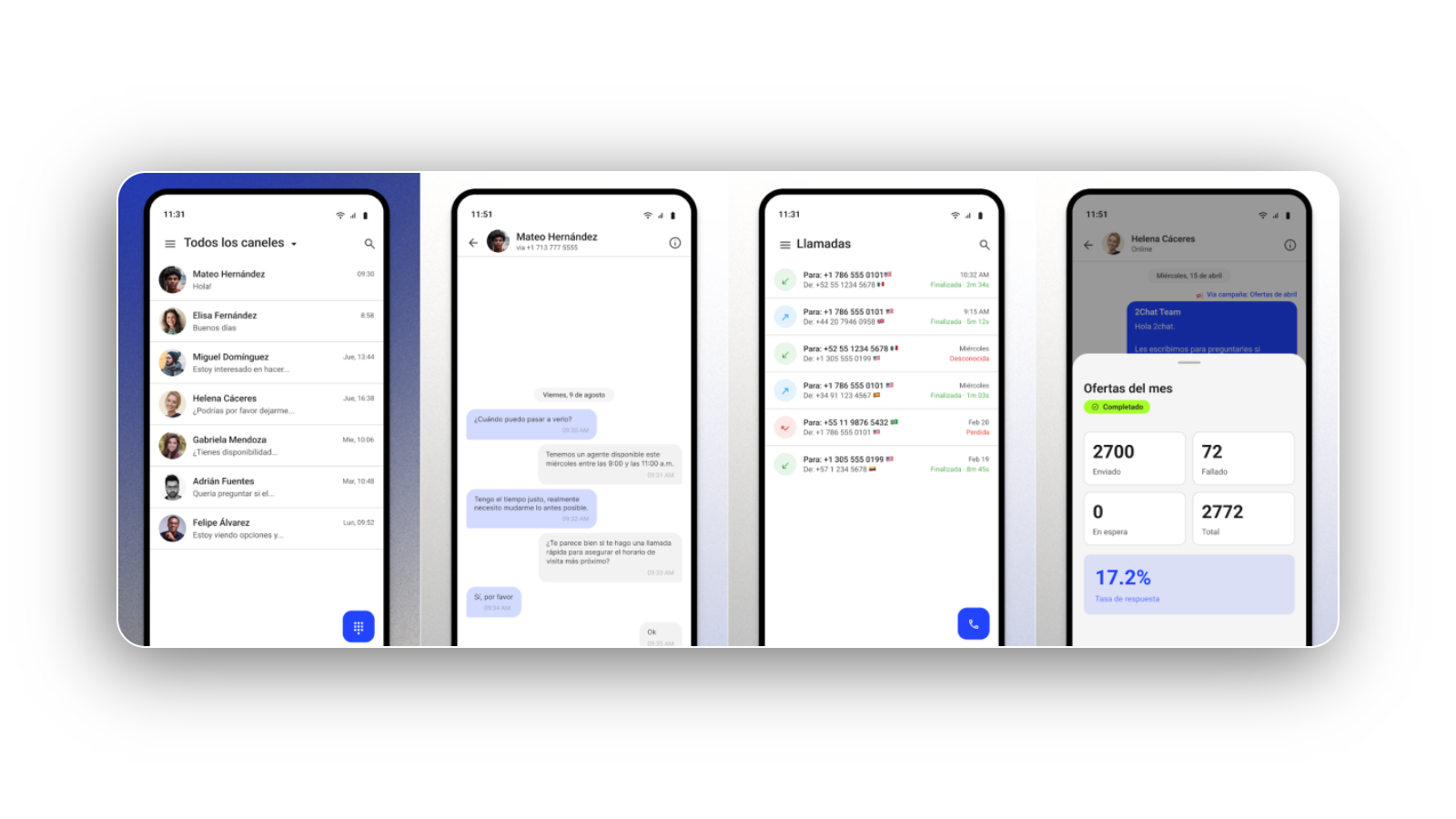
Download 2Chat on Google Play, or grab it from the App Store
Several agents, one number, at the same time
This is the part people underestimate. Multiple numbers solve the "which line is this" problem. Simultaneous access solves the harder one: response time.
With 2Chat, five agents can be inside the same number at once. Ana takes the customer asking about shipping, Marco picks up the one asking for a quote, and neither has to wait for the other to finish or hand over a phone.
What that looks like in practice:
- Shared inbox, live. Every agent sees the same threads on the same numbers, updating as they go.
- Shared contacts and history. When a customer comes back three weeks later, whoever answers reads the previous conversation instead of asking them to repeat it.
- Coverage by shift, not by device. Morning shift signs off, evening shift is already inside the same inbox. Nothing gets locked in someone's pocket.
- No re-logins. WhatsApp Business kicks you out when someone else signs in. That doesn't happen here — access is per user, not per session.
For a support queue, this is the difference between a customer waiting forty minutes and waiting four. For sales, it's the difference between a lead answered while they're still comparing options and a lead answered tomorrow.
What's inside the 2Chat app
Two channels, one app. Here's the honest inventory.
WhatsApp Business messaging
- Send and receive WhatsApp messages with customers from any of your connected numbers
- Full WABA template support, with a fullscreen template picker that shows live pricing before you send
- Images, voice notes and clickable links
- Copy, forward and organize threads without leaving the chat
- Offline message history with fast search — useful on the metro, in a basement, on hotel wifi
Business VoIP calling
- Crystal-clear VoIP calls worldwide, encrypted over TLS
- Built-in dialer showing your credit balance in real time, so nobody discovers the balance ran out mid-call
- Complete call history and missed-call tracking
- In-call DTMF keypad for IVR menus
- Several business numbers living side by side in one app
Built for teams
- Shared contacts and shared conversations
- Smart push notifications for both chats and calls
- Per-channel ringtones — you'll know whether it's the sales line or support before you look
- Silent mode and Do Not Disturb
- Sync across devices
It's built natively for both platforms, so it's fast and doesn't shred your battery on either one. Light and dark mode switch automatically, the interface is clean and modern, and it ships in English and Spanish. Login is secure by default.
Download 2Chat on Google Play, or grab it from the App Store if your team is on iPhone. Either way you'll need a 2Chat account, which you can create at 2chat.co.
The app is the surface. Here's what sits under it.
What you install on your phone is one window into a bigger system, and that matters when you start growing.
Underneath, 2Chat is a full business phone system — numbers, routing, call history, credit, all managed from one place instead of assembled out of SIM cards.
It also connects to the tools you already pay for. The integrations directory covers CRMs and the rest of the stack, so a WhatsApp conversation doesn't die inside a phone: the contact, the deal and the history land where your team already tracks them.
And when volume outgrows manual replies, conversational commerce and automation handles the repetitive half — qualifying, confirming, following up — while your agents take the conversations that actually need a person.
None of this requires an engineer on staff. That's mostly the point.
Run the numbers on your current setup
Before you switch anything, work out what juggling actually costs. Grab your own figures — no averages, no invented benchmarks:
- Count your business numbers. Include the one on the old invoice.
- Count the devices. Multiply by what each phone plus line costs monthly.
- Estimate missed messages. Ask each agent how many chats they found unanswered last week.
- Put a value on one deal. Your average order value works fine.
- Multiply. Missed chats per week × 4 × your close rate × order value.
Most teams stop at step 5 because the number is uncomfortable. Compare it against 2Chat's plans and you'll have your answer in about four minutes.
Setting it up: five steps
- Create your 2Chat account at 2chat.co (or sign in if you already have one).
- Connect your first number — a WhatsApp Business API number or an existing business line.
- Install the app on your phone — Google Play or the App Store — and log in. Your history syncs down.
- Invite your team and share the inbox. Assign who sees which number.
- Set per-channel ringtones and notification rules, then leave it alone. This is the step everyone skips and later regrets.
That's it for messaging and calls. If you want the app to answer on its own overnight, layer WhatsApp automation on top once the basics are running — not before.
Send the campaign. Then survive the replies.
Sending is the easy half. With WhatsApp bulk messaging you can push an approved template out to your whole list — a promo, a restock, a renewal reminder — and the fullscreen template picker shows you the cost before it goes out.
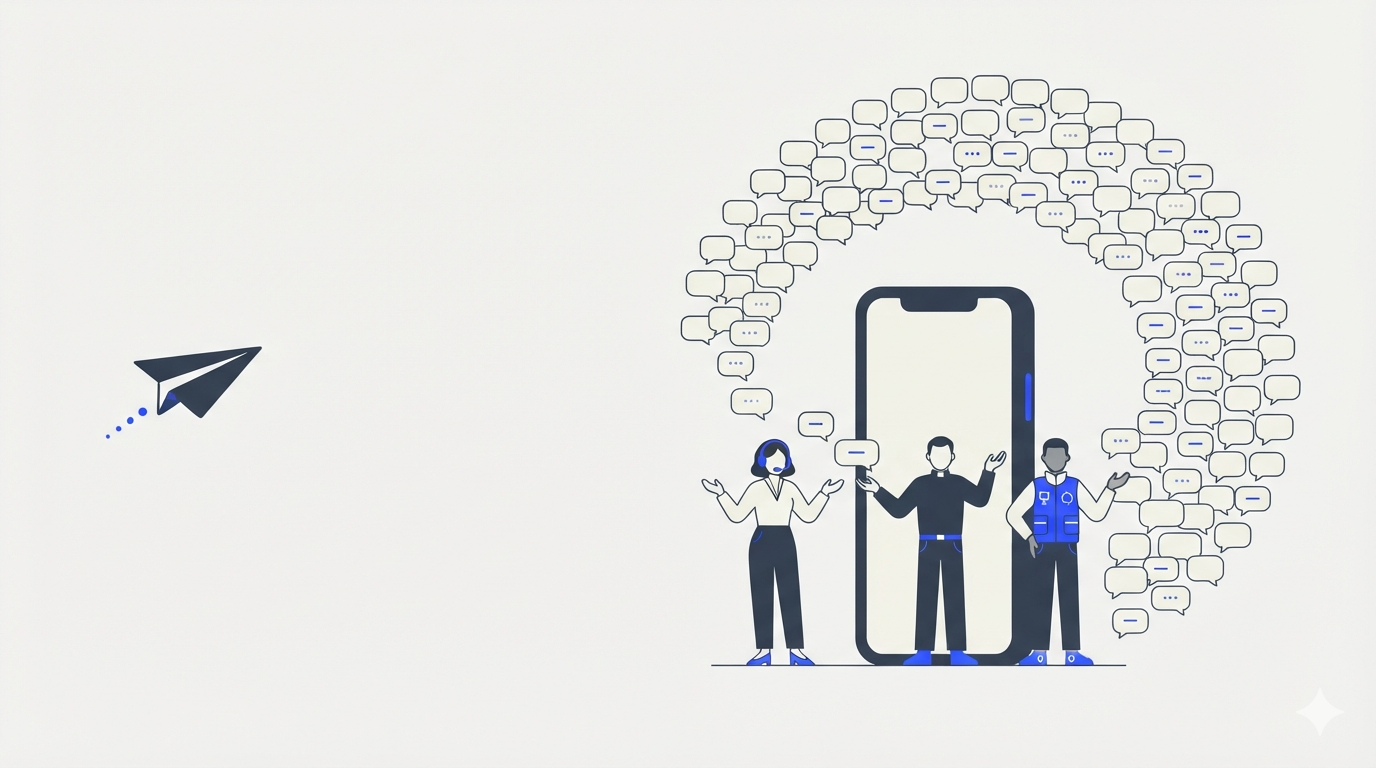
Then everyone replies at once. That's where most campaigns quietly fail.
A blast to 2,000 contacts with a 5% reply rate lands 100 people in your inbox in about an hour, and every one of them is warm right now. Tomorrow they're not. One agent on one phone will get through maybe fifteen before the rest go cold.
This is exactly what the app is for. The campaign goes out, the replies land in the shared inbox, and your whole team works them at the same time on the same number:
- Three or four agents splitting the incoming replies live, without duplicating answers
- Every rep seeing who the contact is and what they bought last time
- Push notifications on the sales line specifically, so a campaign reply doesn't sit behind a support thread
- Reps closing from wherever they are, instead of from a desk they'll reach in two hours
The campaign creates demand. The app is how you convert it before it expires — which is usually the difference between hitting the target you set for that campaign and explaining why you didn't.
Sales, support, or running the whole thing yourself
Sales teams. A WhatsApp sales app is only useful if the rep can close from wherever they are. Live template pricing matters here: you see the cost of the message before you send it to 300 leads, not in next month's bill.
Support agents. High volume, shared inbox, fast search over offline history. The DTMF keypad sounds like a small detail until you're calling a supplier's IVR from a customer's doorway.
Owners, freelancers, real estate agents, consultants. You are the sales team, the support team and the person answering at 9pm. One app instead of three is the entire pitch.
Call centers and BPO operations. Multiple numbers, multiple agents, one credit balance you can watch in real time.
If you're leaning toward the marketing side, a WhatsApp marketing app is only as good as its list: approved templates and clean opt-in come before volume. The full feature list covers what's available beyond the mobile app.
What to do next
If your team answers customers from more than one number, the question isn't whether to consolidate — it's whether you do it this quarter or after losing another handful of deals to unread messages.
The app is free to install and takes a few minutes to connect. Get it on Google Play or the App Store, sign in, and reply to the next customer from wherever you're standing.
FAQ
- Can I use one WhatsApp app for multiple numbers on the same phone?
Yes. 2Chat connects several business numbers inside a single app on iPhone or Android, so you switch between your sales line, support line and any other number without carrying extra phones or logging out and back in. - Can several agents answer the same WhatsApp number at the same time?
Yes — that's the core of it. Sales and customer service teams share one live inbox, so multiple agents handle different conversations on the same number simultaneously, with shared contacts and history and no forced logouts between users. - Is the 2Chat app available for iPhone?
Yes. 2Chat runs on both iOS and Android, so mixed teams don't have to standardize on one device type. Download it from the App Store or Google Play, sign in with your 2Chat account, and your shared inbox syncs across every device. - Do I need a WhatsApp Business API account to use it?
You need a 2Chat account, and WABA template messaging requires an API number. You can connect regular business lines for VoIP calling too. Sign up at 2chat.co and connect your first number from there.