How to Check If a Number Has WhatsApp (Without Adding It)
Use a WhatsApp number checker to confirm if a number has WhatsApp before you message it. Free single lookup or bulk checks for your whole list.

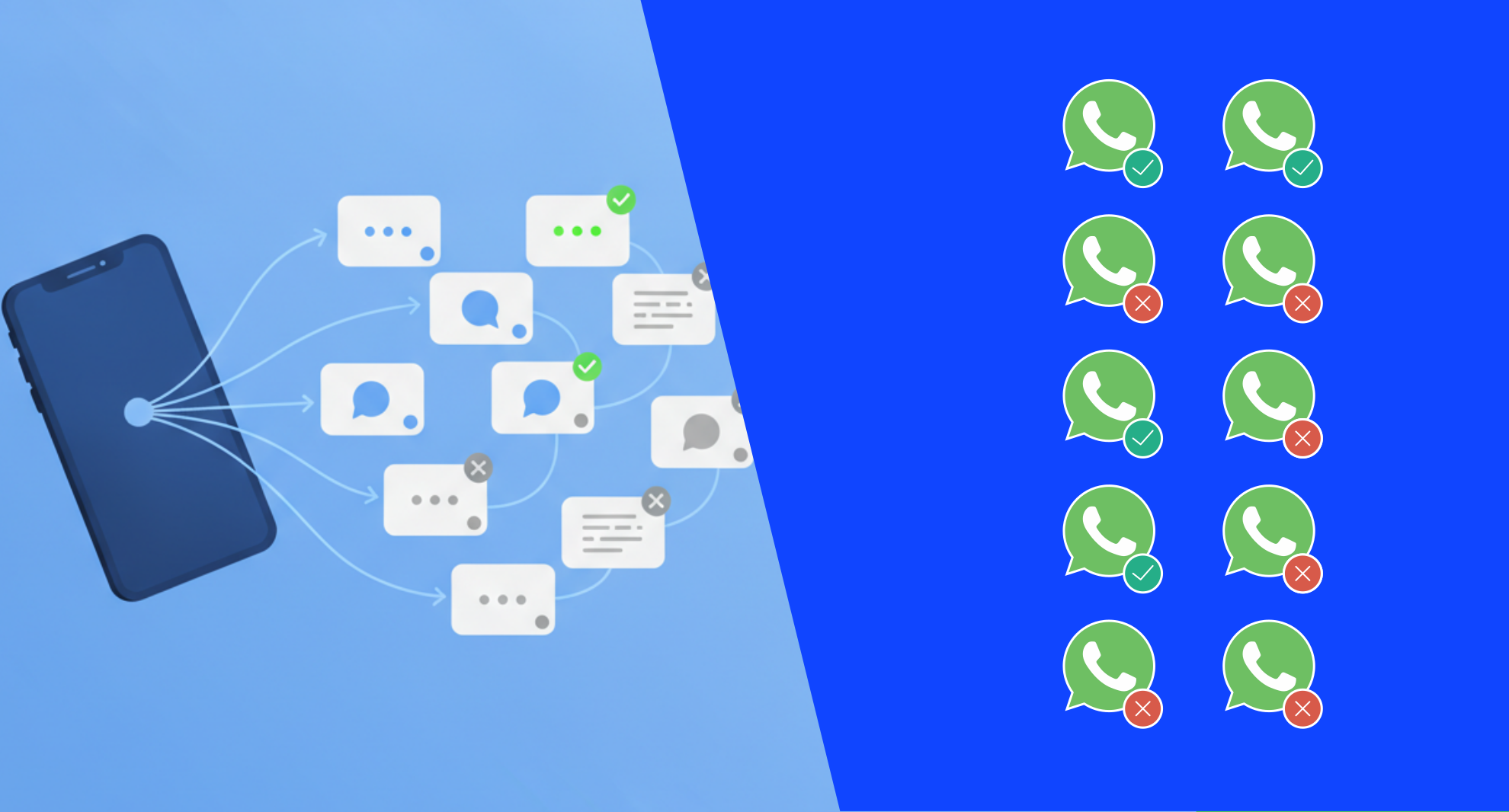
You've got a number. Maybe a lead from a form, maybe a contact someone handed you at an event. You want to message them on WhatsApp, but you don't want to save it, open the app, and find out the hard way that it's not even on WhatsApp.
That awkward moment, typing a message, hitting send, and getting an error — is avoidable. You don't need to add a contact to know if it's reachable on WhatsApp.
This is also the exact problem sales and support teams run into at scale. You import 2,000 leads. Maybe 300 of them don't have WhatsApp at all. Messaging all 2,000 anyway wastes credits, tanks your delivery stats, and can get your sending number flagged.
A WhatsApp number checker solves both problems: the one-off "is this person even on WhatsApp" question, and the bulk "which of these 5,000 contacts can I actually reach" question.
What a WhatsApp Number Checker Actually Does
A WhatsApp number checker pings WhatsApp's servers to confirm whether a given phone number is registered with an active WhatsApp account, without sending that number a message, a friend request, or any kind of notification.
It's a lookup, not a message. The number never sees you checked.
This matters for a few different situations:
- You're about to start a WhatsApp outreach campaign and want to clean your list first
- You received a number from a form, CRM import, or old spreadsheet and aren't sure it's still active on WhatsApp
- You're building a support workflow and need to know which channel to default to (WhatsApp vs SMS vs phone) for a given contact
- You manage a sales team and want every rep checking numbers before they spend time drafting outreach
How to Check a Single Number for WhatsApp
If you just need to check one number — say, a new lead who just filled out a form, you don't need code or a spreadsheet. You need a quick lookup tool.
Here's the process with 2Chat's WhatsApp number checker:
- Open the WhatsApp checker tool
- Type in the phone number, including the country code
- Hit check
- Get an instant yes/no on whether that number has an active WhatsApp account
No account required for a single lookup, no message sent, no risk to your own number. It's the fastest way to confirm a number before you do anything else with it.
How to Check Thousands of Numbers at Once
The single-number tool works great for one-off checks. It doesn't scale if you're sitting on a list of 3,000 leads from a trade show or a CRM export.
For that, you need bulk validation — and the workflow looks different:
The results come back in a simple, scannable format: each number gets marked as having WhatsApp, not having it, or being invalid — so you can filter your list in seconds and only message the contacts who'll actually receive it.
2Chat's help center walks through this exact bulk validation flow step by step, including how to pick the right column in your spreadsheet and read the results once the check finishes.
What It Costs to Check Numbers in Bulk
Bulk WhatsApp checks run on a credit system, and the math is worth knowing before you upload a 10,000-row file.
A standard check (just confirming WhatsApp status) uses fewer credits than a check that also pulls extra profile data, like a name or profile photo. If you only need the yes/no answer, skip the extra data and keep your cost down.
There's also a speed limit tied to how many numbers you have connected — more connected numbers means faster bulk checks, since the rate scales with each one. Trial accounts run at a slower pace than paid plans. Worth checking 2Chat's pricing page if you're planning a large list and want to know which plan fits your volume.
Why You Shouldn't Just Message the Number to Find Out
It's tempting to skip the checker tool and just send a test message. If it doesn't go through, now you know, right?
Not quite. Sending blind to a list that's full of invalid or non-WhatsApp numbers does real damage:
- Wasted spend. Every failed send still costs you a message credit depending on your WhatsApp automation platform.
- Lower delivery rates. A high bounce rate on your sending number looks bad to WhatsApp's systems
- Risk to your number. WhatsApp watches for accounts that send to lots of unreachable numbers and that pattern can trigger restrictions
- Bad data, forever. A failed message doesn't always tell you why it failed, so you end up guessing instead of knowing
Checking first costs a fraction of what messaging blind costs, and it protects the sending number you'll need for the next thousand conversations.
A Quick Example: Cleaning a 1,000-Contact List
Say you've got a CSV from a recent campaign, 1,000 phone numbers, no idea how many are actually on WhatsApp.
You upload the file, point the tool to the phone number column, and run the bulk check. A few minutes later, your spreadsheet has a new column showing each number's status.
Now you split that list into three real segments: confirmed WhatsApp contacts you can message directly, numbers without WhatsApp you should reach by SMS instead, and invalid numbers you should just drop. Instead of guessing across 1,000 rows, you're working from three clean, actionable buckets.
Why This Matters Before You Launch a Campaign
A clean list isn't just about avoiding errors, it's what makes a real bulk campaign possible. Once you know which contacts are actually on WhatsApp, you can build a send list that's ready to go: no wasted sends, no guessing, no numbers that bounce halfway through.
From there, the next step is setting up the campaign itself — personalized messages with dynamic variables, controlled sending speed, and scheduling that targets the hours your contacts actually reply. See how 2Chat's bulk messaging feature works once your list is verified and ready.
Developer Option: Checking Numbers via API
If your team already has an engineering workflow — a CRM sync, a lead-scoring pipeline, an internal dashboard — checking numbers manually isn't the move. You want this built into your existing system.
2Chat's Check Number API makes that possible with a single GET request: pass your connected WhatsApp number and the number you want to verify, and you get back on_whatsapp: true/false in the response, along with country, region, and timezone data on the number itself. Add extra-information=true and it'll also return profile details like business name, profile picture, verification level . It's a solid option if your team already ships code regularly and wants the check to run automatically the moment a new lead lands.
Picking the Right Approach for Your Volume
Not every team needs the same setup. Here's a quick way to think about it:
- Checking 1-10 numbers a day: the free single-number tool is enough on its own
- Checking hundreds to thousands per campaign: bulk upload with Excel/CSV is the right call
- Checking numbers continuously, automatically, as they enter your CRM: the API/developer route makes sense
Whichever bucket you're in, the underlying goal is the same: don't message a number you haven't confirmed.
If you're staring down a list right now and want to know exactly who's reachable before your next campaign, 2Chat's WhatsApp number checker handles both the single lookup and the bulk upload — start with whichever matches the list in front of you.
Whether you need the API for your own stack or the bulk upload tool for a spreadsheet full of leads, both start the same way. Create a free 2Chat account to get access and run your first check today.
FAQ:
- Can you check if a number has WhatsApp without adding it as a contact?
Yes. A WhatsApp number checker looks up the number's registration status directly through WhatsApp's systems. You never need to save the contact, open a chat, or send anything — the lookup happens silently and the number isn't notified. - Does checking a number tell the person I looked them up?
No. The check is a backend lookup, not a message or a contact request. There's no notification, no "seen" status, and nothing that shows up in their WhatsApp app. It's invisible from their side. - How much does it cost to check a large list of numbers?
Bulk checks run on credits, with cost depending on whether you only need WhatsApp status or also want extra profile data like a name or photo. Plans and credit packages vary, so check current pricing for your expected volume. - What's the difference between checking one number and bulk checking?
A single check is a quick manual lookup for one contact, no account needed. Bulk checking processes an entire spreadsheet of numbers at once and returns a status for each row, which is the better option once you're past a handful of contacts.