2Chat Voice SDK: Add Real Phone Calls to Your Web App Without Becoming a Telecom Engineer
Learn how the 2Chat Voice SDK lets you embed live voice calls into any web application with just a few lines of JavaScript. WebRTC-powered, inbound and outbound calls, browser softphone — no hardware required.

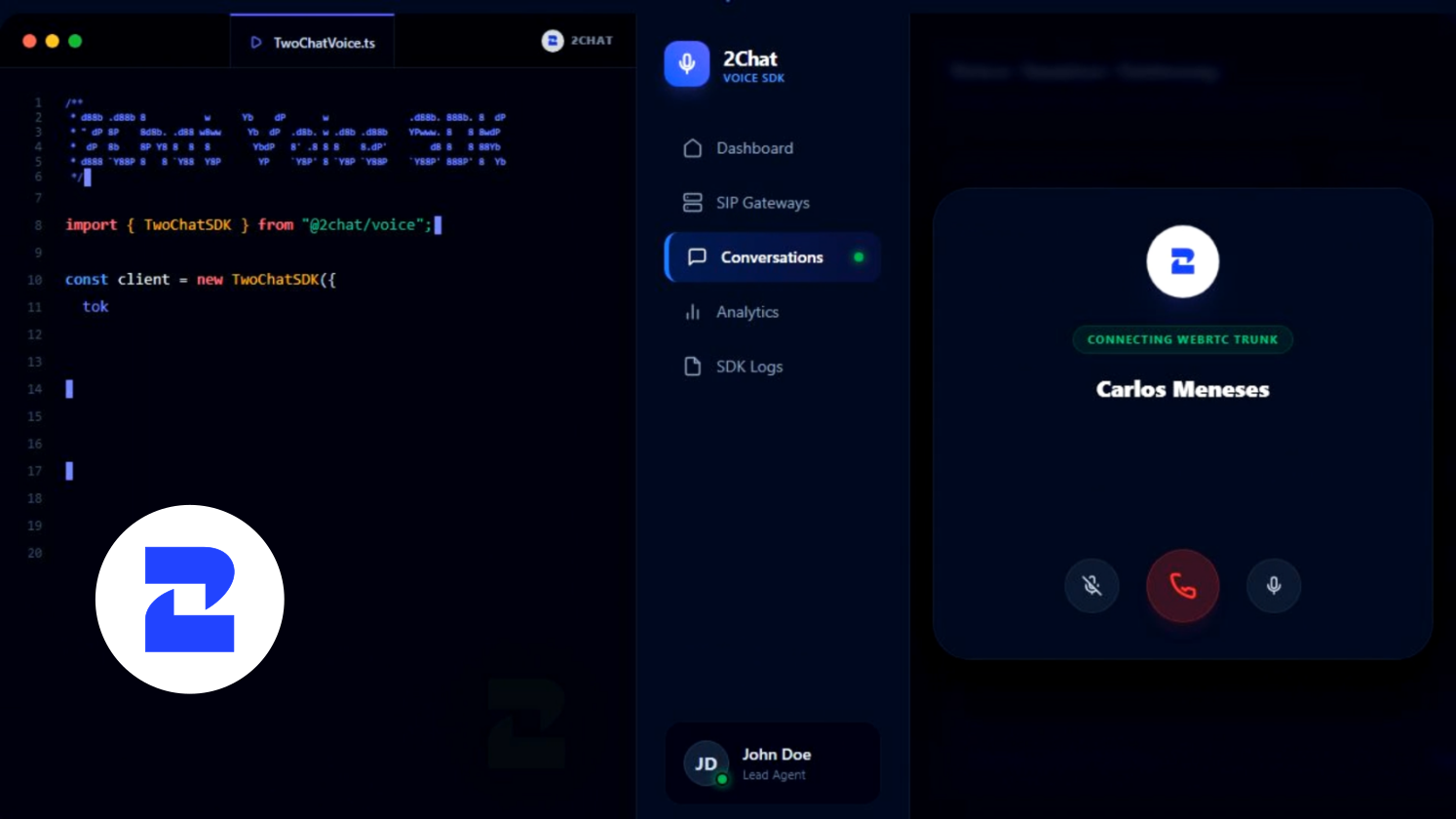
Picture this: your support team calls customers directly from the CRM. No switching tabs, no desk phones, no eye-watering phone bills. The call just happens — right there, inside your app.
That's exactly what the 2Chat Voice SDK makes possible. It's a JavaScript library that any developer can drop into a web application to enable real, carrier-quality phone calls — inbound and outbound — running entirely in the browser.
This guide breaks down what the SDK does, why it matters, how it works under the hood, and how to go from zero to your first working call. No prior telecom experience needed.
What is the 2Chat Voice SDK?
The 2Chat Voice SDK — published on npm as @2chat/voice-sdk — is a JavaScript library that developers integrate into web applications to enable real phone calls directly from the browser. No plugins, no downloads, hardware.
Here's an analogy that makes it click: normally, to make a phone call you need a physical phone, a SIM card, and a carrier plan. The 2Chat SDK replaces all of that with code. Your web app becomes the phone.
💡 Plain English version: Think of it like embedding WhatsApp Web into your own application — except instead of calling other app users, you're calling any phone number in the world.
Under the hood, it uses WebRTC — the same open standard that powers Google Meet and Zoom — paired with a telephony protocol called SIP. 2Chat handles all of that infrastructure complexity. Your team just writes JavaScript.
The Problem It Actually Solves
Companies running customer support, sales, or operations teams deal with a frustrating daily reality: their tools don't talk to each other.
A support agent has the CRM on one screen, a desk phone on the other, WhatsApp history on their mobile, and email in yet another tab. Every call means context-switching, scrambling for customer data mid-conversation, and making mistakes that could have been avoided.
Traditional solutions — on-premise PBX systems, IP phone hardware, enterprise telephony platforms — are expensive, slow to deploy, and require specialized IT support to maintain.
⚠️ The hidden cost of fragmentation: Productivity research on customer support teams consistently shows agents lose 15–20 minutes per day just switching between tools. In a team of 10, that's the equivalent of one full-time employee's output evaporating every week.
The 2Chat Voice SDK flips this on its head. Instead of plugging a phone into your workflow, you embed the phone inside the workflow — with exactly the interface and logic your team actually needs.
Core Features
Here's what you get out of the box when you integrate the 2Chat Voice SDK:
| Feature | What it does |
|---|---|
| 📞 Outbound calls | Dial any E.164 phone number worldwide using your 2Chat virtual numbers as the caller ID. |
| 📲 Inbound calls | Receive calls directly in the browser. Accept, reject, or route them based on your own application logic. |
| 🔇 In-call controls | Mute the microphone, put a call on hold, or send DTMF tones to navigate IVR menus. |
| 🔒 Security by design | Short-lived JWT tokens keep your API secret off the browser entirely. Compromised token? It expires in 60 minutes. |
| 🔌 Framework-agnostic | Works with React, Vue, Svelte, or plain JavaScript. No forced dependencies, no opinions about your stack. |
| 🎙️ Audio device selection | Let agents pick their microphone and speakers — and swap them mid-call without dropping it. |
| ♻️ Auto-reconnect | If the connection drops, the SDK reconnects automatically and fires events so you can update your UI accordingly. |
| 👥 Multi-agent ready | Issue one token per agent and scale from a single operator to hundreds of concurrent sessions. |
Real-World Use Cases
1. Click-to-call inside a CRM or helpdesk
The agent is already looking at the customer's profile. They click the phone number. The call starts. No alt-tabbing, no dialing, no "hold on, let me pull up your account." The entire conversation — notes, history, and the call itself — lives in one place.
2. Internal admin panels with built-in calling
Logistics companies, e-commerce platforms, and healthcare providers can give their internal teams the ability to reach customers, vendors, or patients without ever leaving the dashboard they already use every day.
3. Multi-agent softphone for modern call centers
A fully browser-based call center — no headsets tied to hardware, no desk phone licensing fees. Each agent gets their own token and their own customized interface. Supervisors can monitor live call status and manage queues from the same system.
4. Branded calling experiences on top of virtual numbers
Already have 2Chat virtual numbers? Build the exact call interface your workflow demands — your branding, your UX, your logic. No generic softphone UI that doesn't quite fit.
✅ Worth noting: Because the SDK is framework-agnostic, you don't need to rebuild your existing app. If your CRM is already live, you can add voice calling with minimal changes to the codebase.
How It Works (No Jargon)
Understanding the architecture helps when you need to explain it to your engineering team. There are three moving pieces:
Step 1 — Your server requests a temporary pass
Your backend (not the user's browser) authenticates with your 2Chat API key and requests a short-lived access token. Think of it as a visitor badge with an expiry time.
Step 2 — The browser receives the temporary pass
Your frontend receives the token and hands it to the SDK. The SDK never sees your original API key. If someone intercepts the token, they have a limited time before it's useless.
Step 3 — The SDK registers and stays ready
Using that token, the SDK registers with 2Chat's telephony infrastructure. From that point on, the application can make and receive calls. When the token is about to expire, the SDK fires a tokenWillExpire event so you can silently fetch a new one without interrupting the agent's session.
Getting Started: Your First Call
Here's the minimum viable code to go from installation to a working browser call. Three steps.
Step 1: Install the package
# Via npm
npm install @2chat/voice-sdk

# Or load directly in HTML without a bundler
<script src="https://cdn.jsdelivr.net/npm/@2chat/voice-sdk/dist/index.global.js"></script>
Step 2: Generate an access token on your backend
Your server calls the 2Chat API with your secret key and gets back a short-lived token for the agent:
// On your server — the API key never reaches the browser
const response = await fetch('https://api.p.2chat.io/open/sdk/access-token', {
  method: 'POST',
  headers: {
    'X-User-API-Key': process.env.TWOCHAT_API_KEY,
    'Content-Type': 'application/json'
  },
  body: JSON.stringify({
    user_uuid: 'USR48a1c2f0-...',  // the agent's UUID in 2Chat
    label: 'support-agent-1'
  })
});
const { token } = await response.json();
// Return this token to your frontend
Step 3: Initialize the SDK and make your first call
import { Device } from '@2chat/voice-sdk';

// 1. Fetch the token from your backend
const { token } = await fetch('/api/voice-token').then(r => r.json());

// 2. Create the virtual device
const device = new Device({ token });

// 3. Listen for key events
device.on('registered', () => console.log('✅ Ready to call'));
device.on('incoming', (call) => {
  // Inbound call — accept or reject based on your logic
  call.accept();
});

// 4. Refresh the token before it expires
device.on('tokenWillExpire', async () => {
  const fresh = await fetch('/api/voice-token').then(r => r.json());
  device.updateToken(fresh.token);
});

// 5. Register the device
await device.register();

// 6. Make your first call
const call = await device.connect({
  to: '+15551234567',    // destination number
  from: '+15550000000'   // your 2Chat virtual number
});

call.on('accepted', () => console.log('📞 Connected'));
call.on('disconnect', () => console.log('Call ended'));
In-call controls
call.mute(true);         // mute the microphone
call.hold(true);         // place the call on hold
call.sendDigits('1');    // send a DTMF tone (for IVR menus)
await call.disconnect(); // hang up
Why 2Chat Over the Alternatives?
There are other ways to add voice to a web app. Here's an honest comparison:
| Criteria | 2Chat Voice SDK | On-premise PBX | Other voice APIs |
|---|---|---|---|
| Integration time | ✅ Minutes to hours | ❌ Weeks to months | Hours to days |
| Hardware required | ✅ None | ❌ Servers, phones, cabling | ✅ None |
| Framework compatibility | ✅ React, Vue, Svelte, vanilla JS | ❌ N/A | Varies |
| Token security model | ✅ Short-lived JWT, secret stays on backend | Depends on vendor | Varies |
| Multi-agent out of the box | ✅ One token per agent | Requires additional licenses | Usually yes |
| WhatsApp + SMS in the same platform | ✅ Native, same API | ❌ No | ❌ Rarely |
One thing worth calling out: the Voice SDK isn't a standalone product — it's part of the broader 2Chat platform, which also covers WhatsApp Business API, SMS, and virtual numbers. If you're building for customer communication, you can consolidate your entire stack under one provider and one API instead of stitching together three different vendors.
What Do I Need to Get Started?
The prerequisites are genuinely minimal:
- A 2chat.co account with at least one virtual number or registered caller ID.
- A server (any language — Node.js, Python, Ruby, PHP, Go) capable of making an HTTP request. This is where your API key lives, never in the browser.
- Basic JavaScript knowledge to wire up the SDK in your frontend.
📖 Official docs: The full Quickstart, Device API reference, Call API reference, and error handling guide are all at developers.2chat.co/docs/Voice-SDK/overview.
Start Building Today. The docs are live, the package is on npm, and you can have a virtual number provisioned in minutes.
👉 Read the documentation - 👉 Create a 2Chat account